The AI-native ERP that runs your whole business.
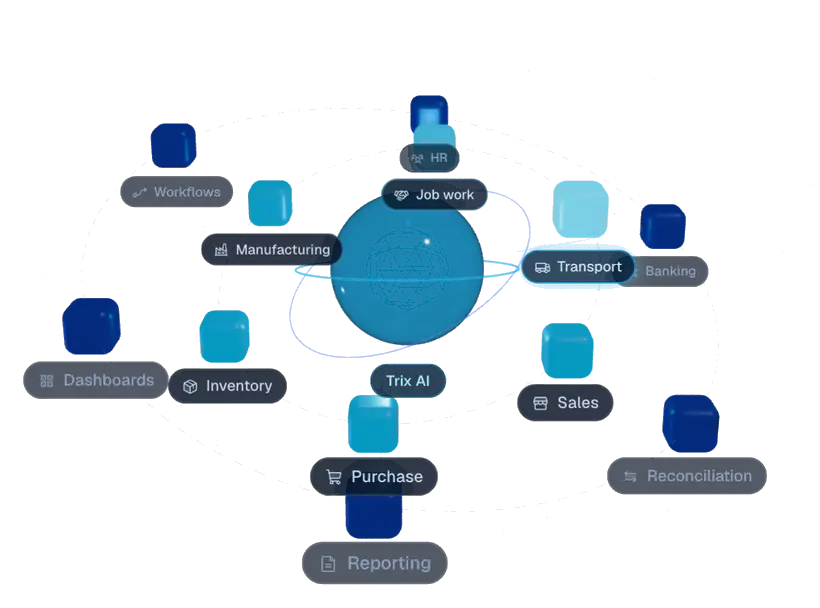
From order to cash, every department on one platform, with Trix AI watching every step for you.
Order to cash, SO-2041
11/11
Dashboards
Trix live activity
- OTIF updated to 96.8%Owner dashboard
- Margin report refreshedOrder margin 23.6%
- Payment matched to INV-3307Auto-reconciled
Works with the tools your teams already use
Your whole business. In one place.
Sales, stores, production, accounts and people work in the same system, on the same numbers. Save a sales order and stock, production, purchase and accounts update instantly.

Manufacturing
Plan, run and cost production from one screen
Inventory
Know exactly what you have, where it is, and what it is worth
Sales
Quote, order and invoice without retyping a thing
Purchase
Buy the right quantity from the right vendor, on time

HR and payroll
From hiring to payslip, without the spreadsheets

Asset management
Keep machines running and assets accounted for
Analytics
Every number, live, without exporting to Excel
Finance and accounting
Books that close themselves as the business runs
Product management
One clean record for every product you make or sell
Automations
Let routine work run itself
One order. Every department, updated.
From the sales order to job work, dispatch, payment and a reconciled bank entry. No re-keying, no status emails, no end-of-day sync.
Sales
Order SO-2041 confirmed
500 pumps for Kaveri Agro
Manufacturing
Work order WO-118 released
Line 2, Thursday shift
Job work
Job work challan JW-77 issued
Machining at Shree Castings
Transport
LR-5521 dispatched
Truck MH12 AB 4410, ETA 2 days
Banking
₹18.4L received
HDFC current account
Reconciliation
Payment matched to INV-3307
Auto-reconciled
Reporting
Margin report refreshed
Order margin 23.6%
Unitrix AI
An analyst, planner and clerk built into every screen.
Ask questions in plain language, get drafts instead of to-do lists, and hear about problems while there is still time to fix them.
- Forecasts demandSKU-level forecasts that refresh every night.
- Reads documentsInvoices and delivery notes become entries.
- Catches anomaliesDuplicate bills and odd stock moves flagged.
Demand forecast, pumps
+24% Q4
Industries
Built for businesses that make and move things
Unitrix is shaped by plant managers, storekeepers and finance teams, not just software engineers.




Replace the patchwork, not just the software.
Stitched-together tools
- Accounting in one tool, stock in a spreadsheet, production on a whiteboard
- Orders typed two or three times by different teams
- Reports compiled by hand at month-end
- Problems found after the customer complains
With Unitrix
- One platform for every department, on one database
- Each transaction entered once and shared everywhere
- Live dashboards that are always current
- AI alerts days before a stock-out or delay
What teams ask before they switch
Straight answers for owners, plant heads and finance teams weighing up a new ERP.
Still have a question?
Ask Trix and we will answer it live, on your own processes, in a demo.
01Who is Unitrix built for?
Growing manufacturers, distributors, retailers and pharma companies that have outgrown accounting software and spreadsheets and want one system for every department.
02How long does implementation take?
It depends on the scope and the data you bring. Your plan, with dates for each phase, is agreed before the project starts, and most teams go live in phases rather than all at once.
03Can we start small and add more later?
Yes. Many customers start with sales, purchase and inventory, then add manufacturing, HR or assets. Everything shares the same database, so nothing needs re-integrating.
04Is our data safe?
Your company gets its own separate database. Data is encrypted in transit and at rest, access is controlled by role, and every change is logged. See the security page for details.
05How is Unitrix priced?
Every plan is quoted for the areas you need, your users and sites. Compare the Essentials, Growth and Enterprise plans on the pricing page, then ask for a tailored quote.
06Does the AI make changes on its own?
No. Trix drafts, suggests and alerts. People approve anything that moves money or stock, and every action is logged.

See Unitrix running on your own processes.
A 45-minute walkthrough tailored to how you plan, buy, make and sell. Bring your toughest workflow.